
Local services. Real availability.
Know what’s available. Book without the chaos.
Owo360 helps you discover what’s nearby, send a request, and get a confirmed appointment — without messy “pending” clutter.
Clarity
Requests stay in bookings. Appointments stay confirmed.
Speed
Fast request flow, updates, and instant help when needed.
Privacy
Privacy-first by design. Clear, simple policies.
Coming soon on iOS & Android. Join early access to get notified.
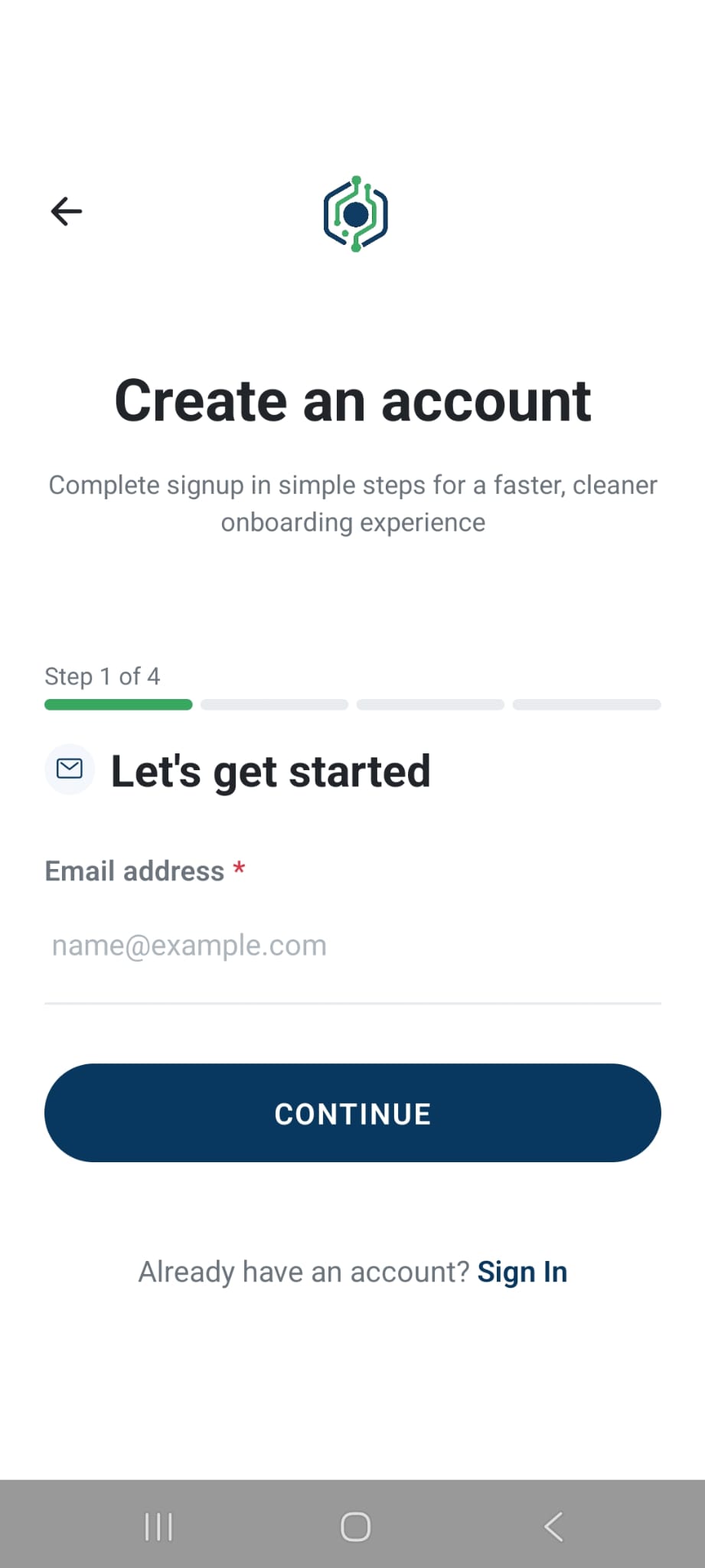
Product tour
Create an account
Sign up in seconds and set your profile.
Why Owo360
Local booking is messy — mostly because status is unclear.
Most experiences hide availability, mix requests with appointments, and leave users stuck when something goes wrong.
Unclear availability
You don’t know what’s actually bookable nearby.
Pending clutter
Requests pollute schedules and create confusion.
No help when stuck
Support is slow, and users repeat themselves.
How it works
A clean flow from discovery → request → confirmed appointment.
Most apps mix “pending requests” with real appointments. Owo360 separates them so you always know what’s actually confirmed.
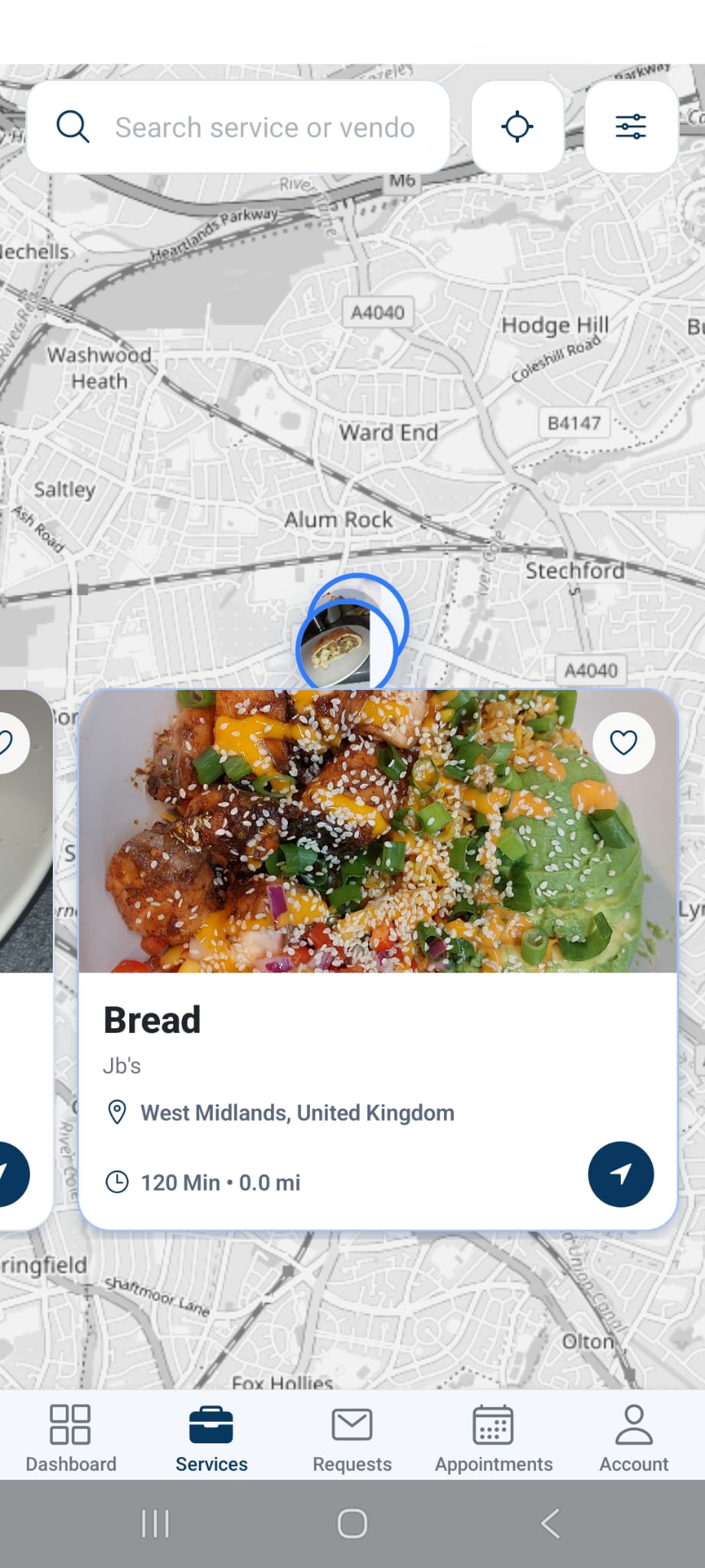
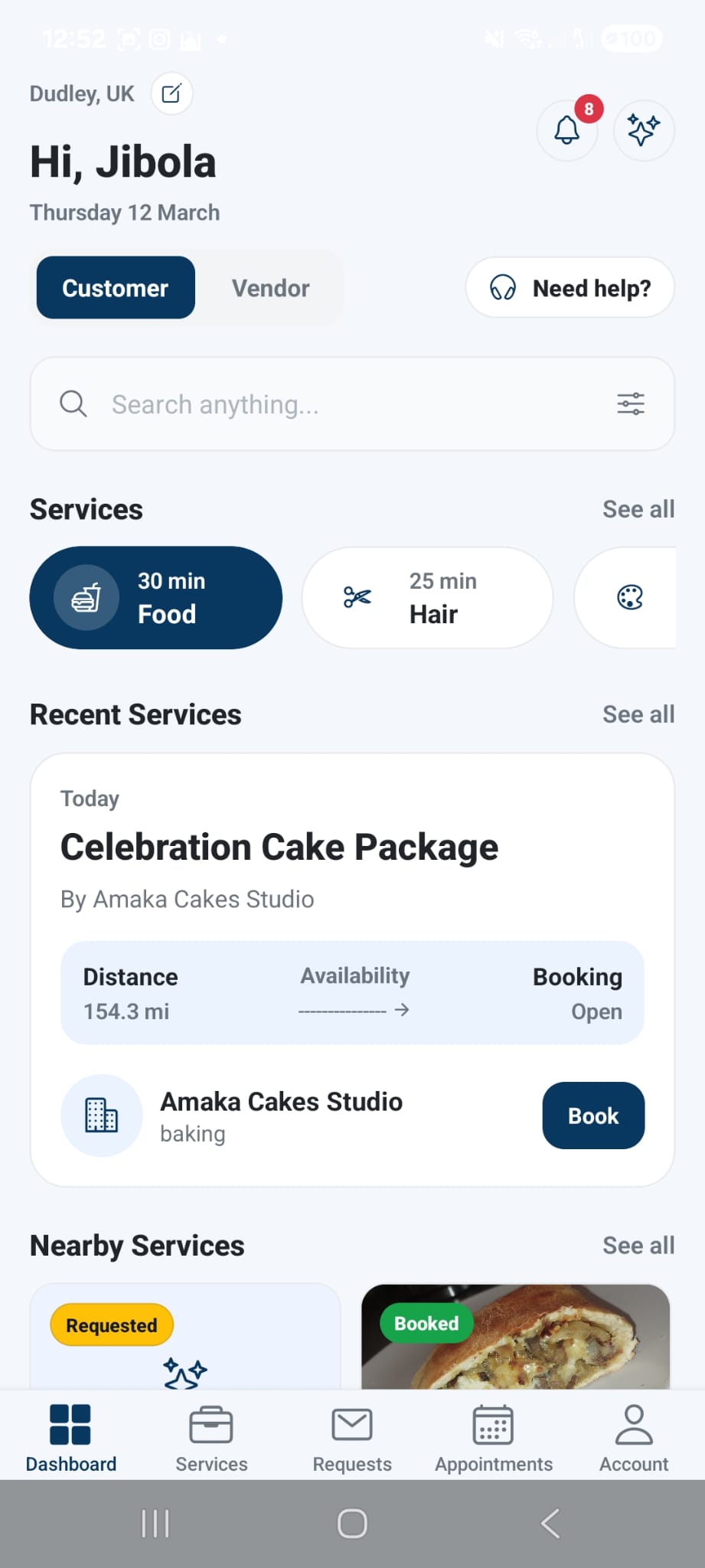
1. Discover nearby
Map-first exploration with distance context.
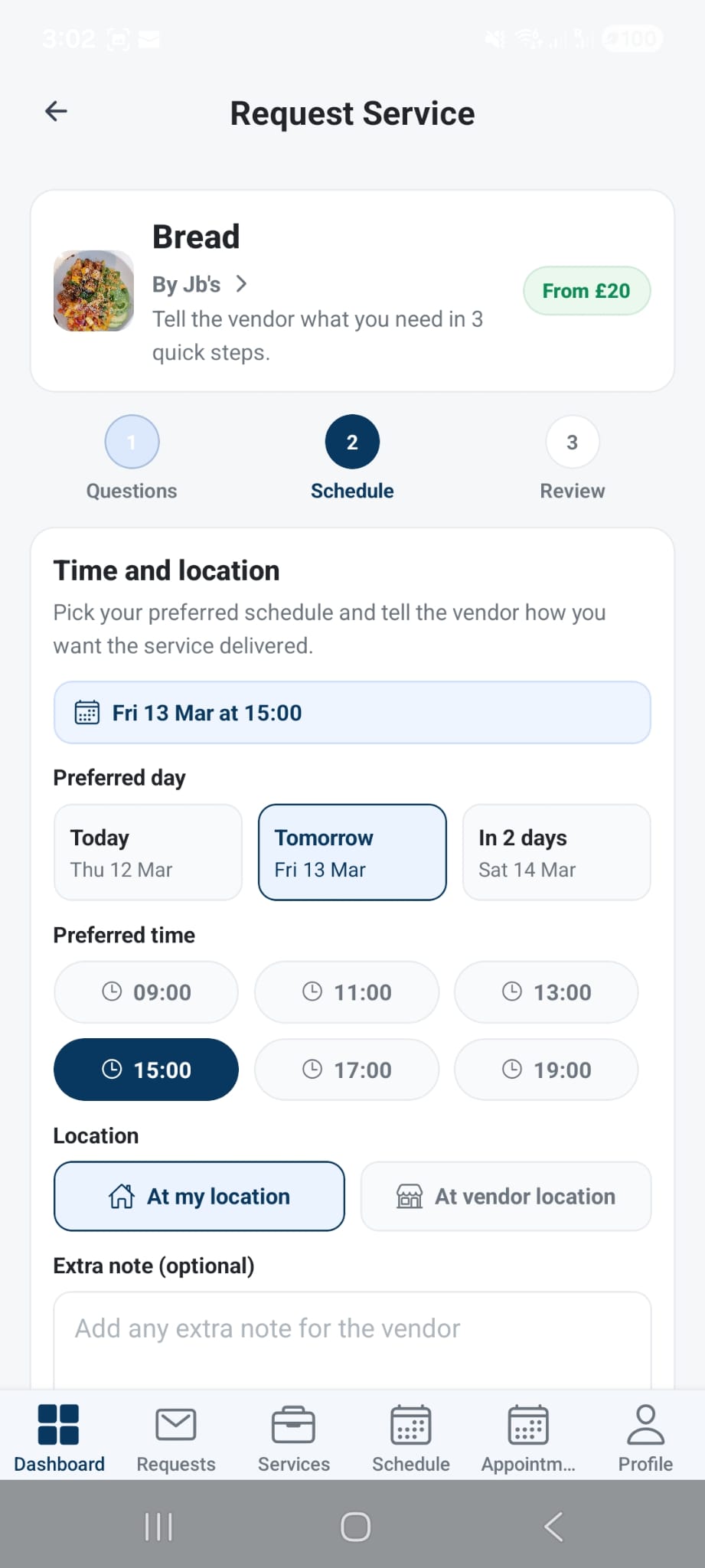
2. Send a request
Status updates arrive as the vendor responds.
3. Confirmed appointment
Only confirmed items appear in appointments — clean schedule.
Everything you need for bookings — without the chaos.
Owo360 keeps requests and appointments clearly separated so you always know what’s confirmed.
Discover nearby services
Feels real-time — without the confusion.
See what’s close, what’s available, and what you can book right now. Discovery is built to be fast and visual — without being confusing.
- • Map-first exploration with distance context
- • Vendor + service profiles with real media
- • Smart filters for availability and category
Fast request flow
Send a request and get updates clearly.
Clear statuses
Appointments show confirmed items only.
Instant support
AI answers fast, escalate when needed.
Request bookings in seconds
Send a booking request, get updates, and keep everything organized in one place.
- • Fast request flow
- • Status updates & notifications
- • Auto organization into appointments
Step 1
Request sent
Your booking request is delivered instantly.
Step 2
Updates arrive
Get status changes and notifications as the vendor responds.
Step 3
Organized automatically
Requests stay in bookings; confirmed items become appointments.
Appointments that stay consistent
See confirmed appointments only (requests stay in bookings), so your schedule is always clean.
- • No defensive filtering needed
- • Vendor calendar stays accurate
- • Clear separation of states
Appointment #1
Clean calendar • no pending noise
Appointment #2
Clean calendar • no pending noise
Appointment #3
Clean calendar • no pending noise
Only confirmed items appear here.
AI support when you need it
Ask questions about bookings, onboarding, payments, or your account — and get help fast.
- • Streaming responses
- • Escalate to a ticket when needed
- • Context-aware assistance
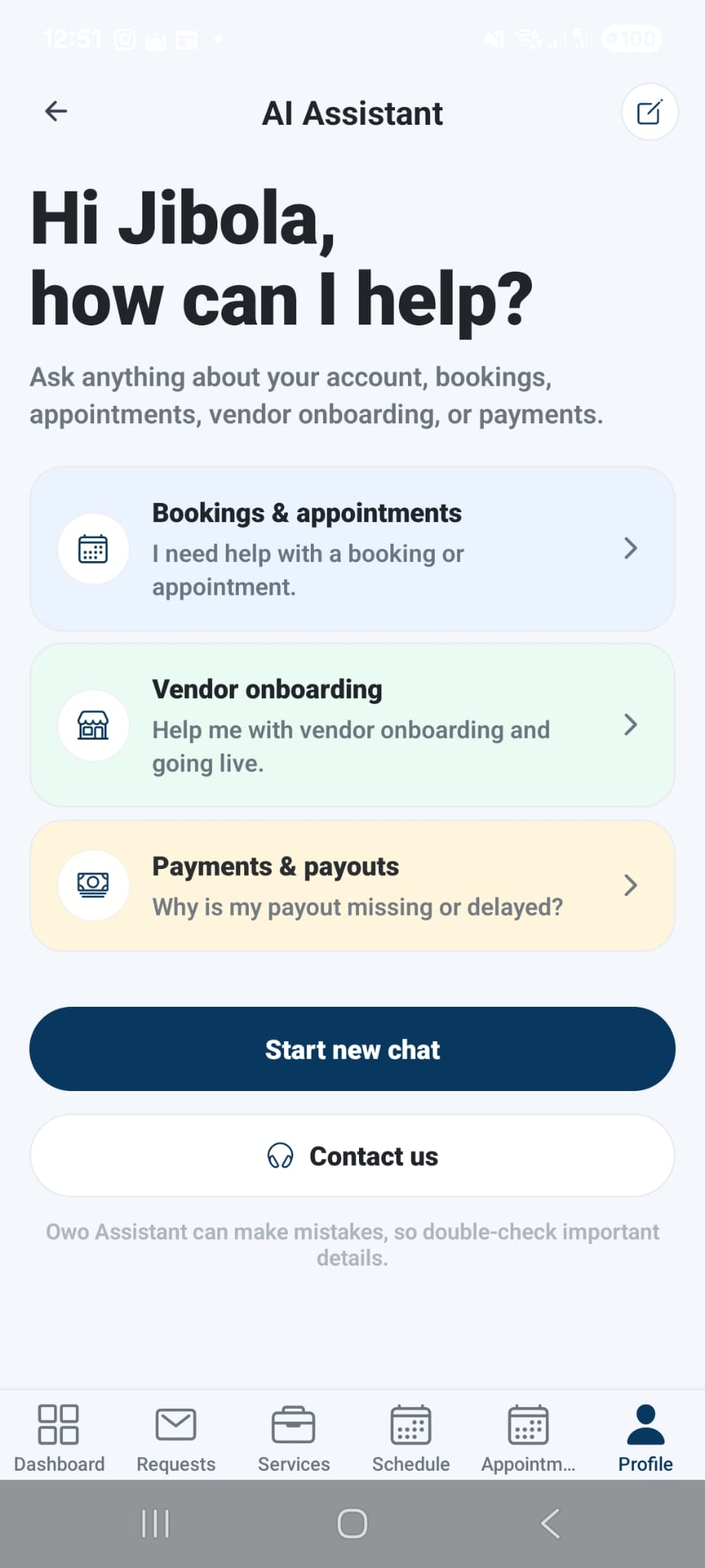
Realtime response
StreamingFor vendors
Run a clean calendar — and earn trust faster.
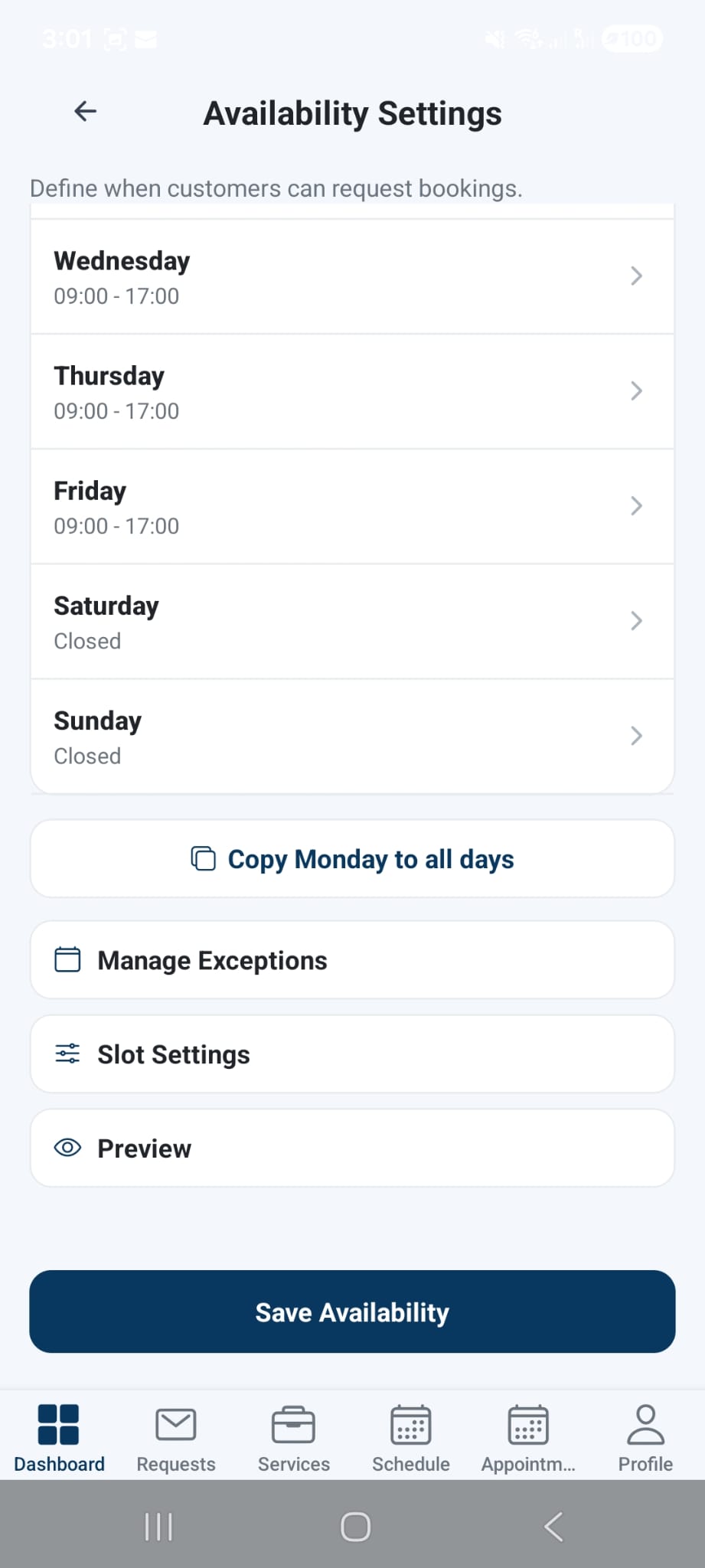
Approve or decline requests, keep your schedule accurate, and show up in discovery with a real business profile — cover, policies, and availability.
- • Clear approvals that keep your calendar honest
- • A real profile: cover, photos, and policies
- • Availability settings that reduce back-and-forth
Vendor onboarding
Set up your business once and keep your policies clear — customers know what to expect, and you stay protected.
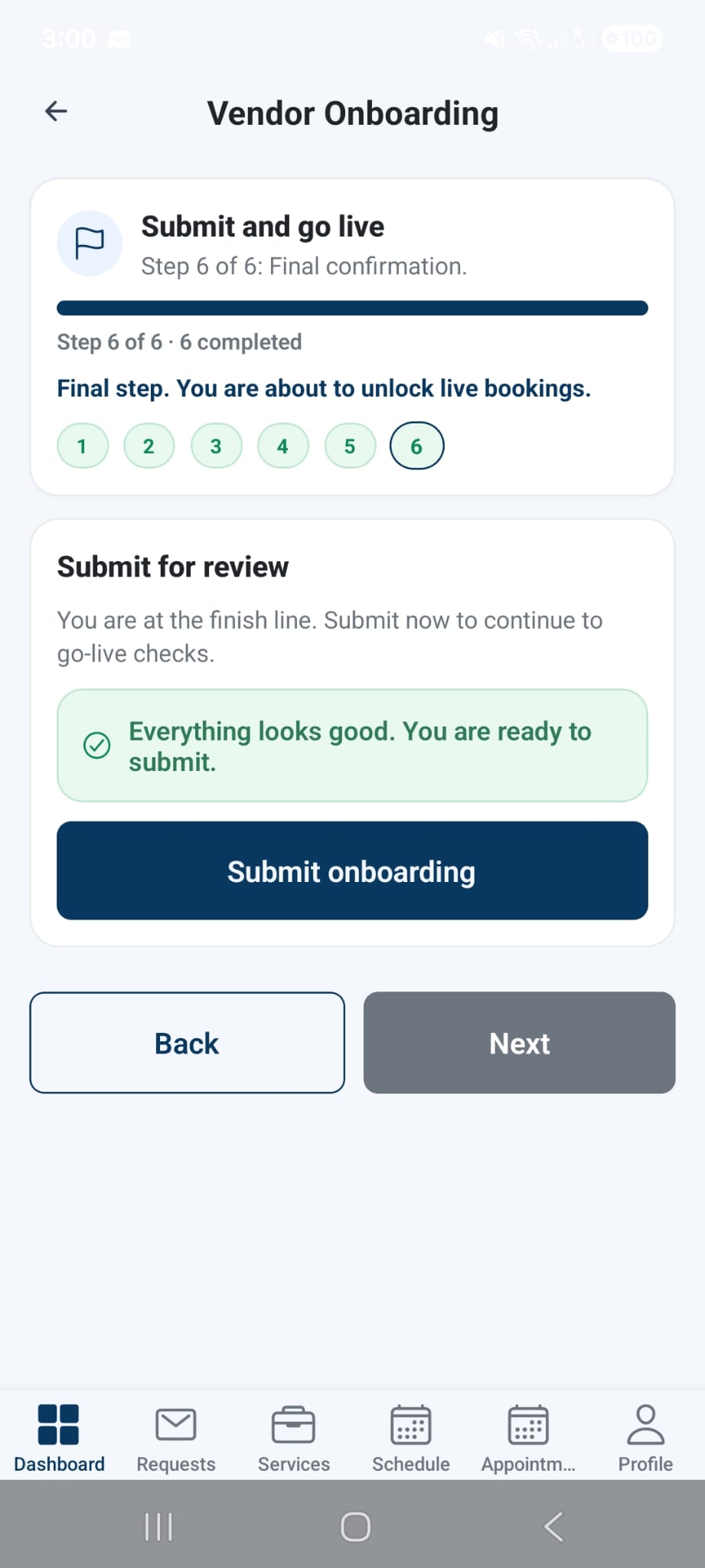
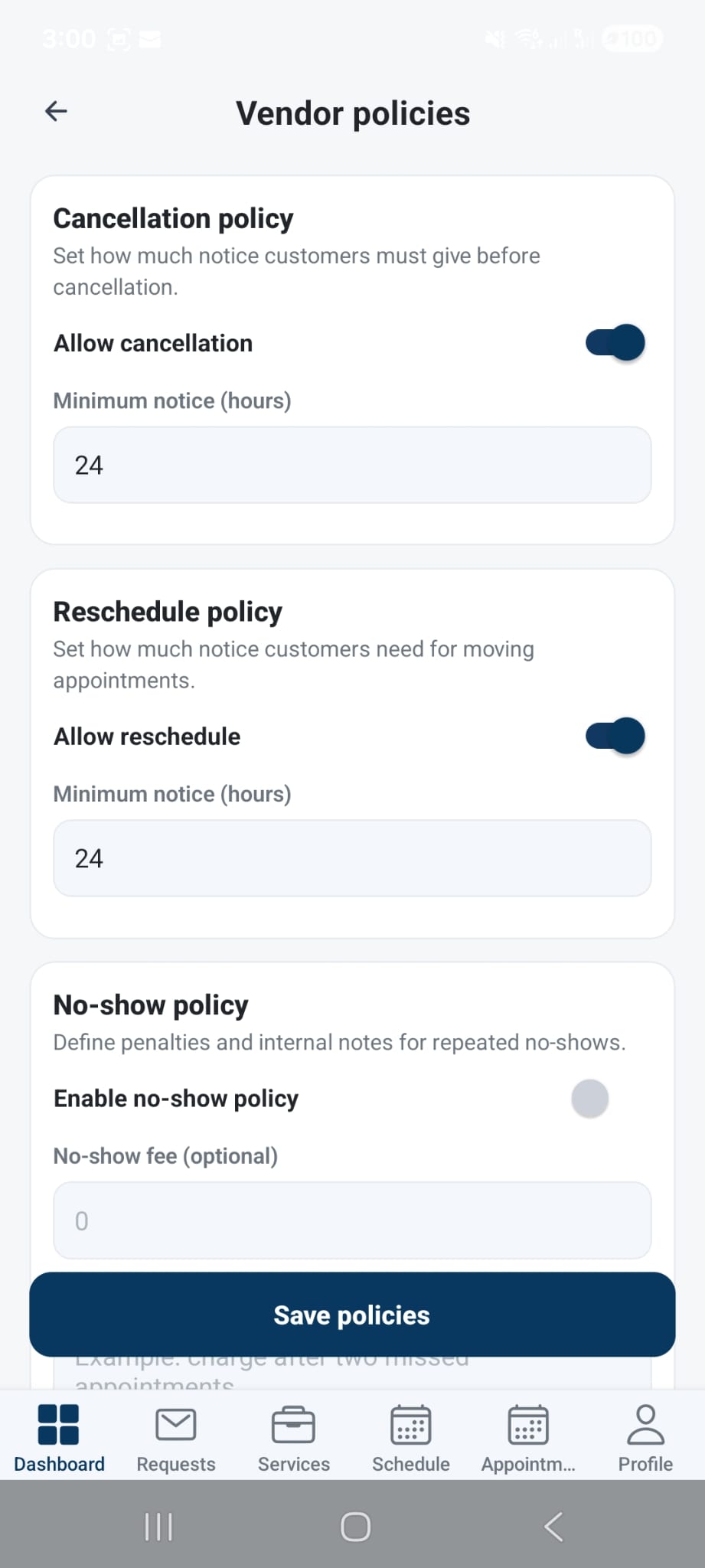
Need help onboarding? Use AI support or contact support@owo360.com.
Support
Help that answers fast — and escalates when it should.
Ask about bookings, onboarding, payments, or your account. Get a streaming answer. If it’s not enough, escalate to a ticket without repeating yourself.
Streaming replies so users aren’t stuck waiting.
Context preserved when creating tickets.
Clear next actions for users when they’re blocked.
Feels instant
You’ll see a quick “Give me a sec…” and then a streaming reply — fast, clear, and actionable.
Need human help? Email support@owo360.com.
Trust
Proof you can verify — not vague promises.
Clear policies, consistent statuses, and direct support. No guessing what you’re signing up for.
Launch status
We’re launching city-by-city. Join early access and we’ll notify you as your area opens.
Questions? Email support@owo360.com.
Status clarity by design
Requests stay in bookings. Only confirmed items show as appointments.
Privacy policy (plain English)
See exactly what we collect, why we collect it, and your choices.
Terms that set expectations
Clear responsibilities for customers and vendors — fewer disputes later.
Direct support
AI support for speed, tickets for edge cases, and email when needed.
Social proof
What early users are saying
We only show real quotes here. If you’re a launch user, you can opt-in later.
Testimonials will appear here once early access users opt-in.
Want your business or feedback featured as a launch partner? Join early access as a vendor or customer.
FAQ
Quick answers.
Remove uncertainty fast. That’s how you get conversions.
Is Owo360 available now?
Not everywhere yet. Join early access and we’ll notify you as we launch region by region.
What happens after I send a request?
You’ll see status updates in bookings. When it’s approved, it becomes a confirmed appointment automatically.
What if I need help?
Use AI support for instant answers. If needed, escalate to a ticket or email support.
I’m a vendor — how do I join?
Join early access as a vendor and we’ll reach out when onboarding is open for your region.
Do you need my exact location?
No. You control location permissions. Nearby discovery works best when you enable it.
Get early access
Leave your email and we’ll notify you when Owo360 is available.
No spam. Unsubscribe anytime.
Note: if a waitlist service isn’t connected yet, we’ll open your email app to send the request.
What happens next
- • You’ll be notified when early access opens in your region.
- • You’ll get download links when the app is live.
- • You can reply with feedback to help shape the product.